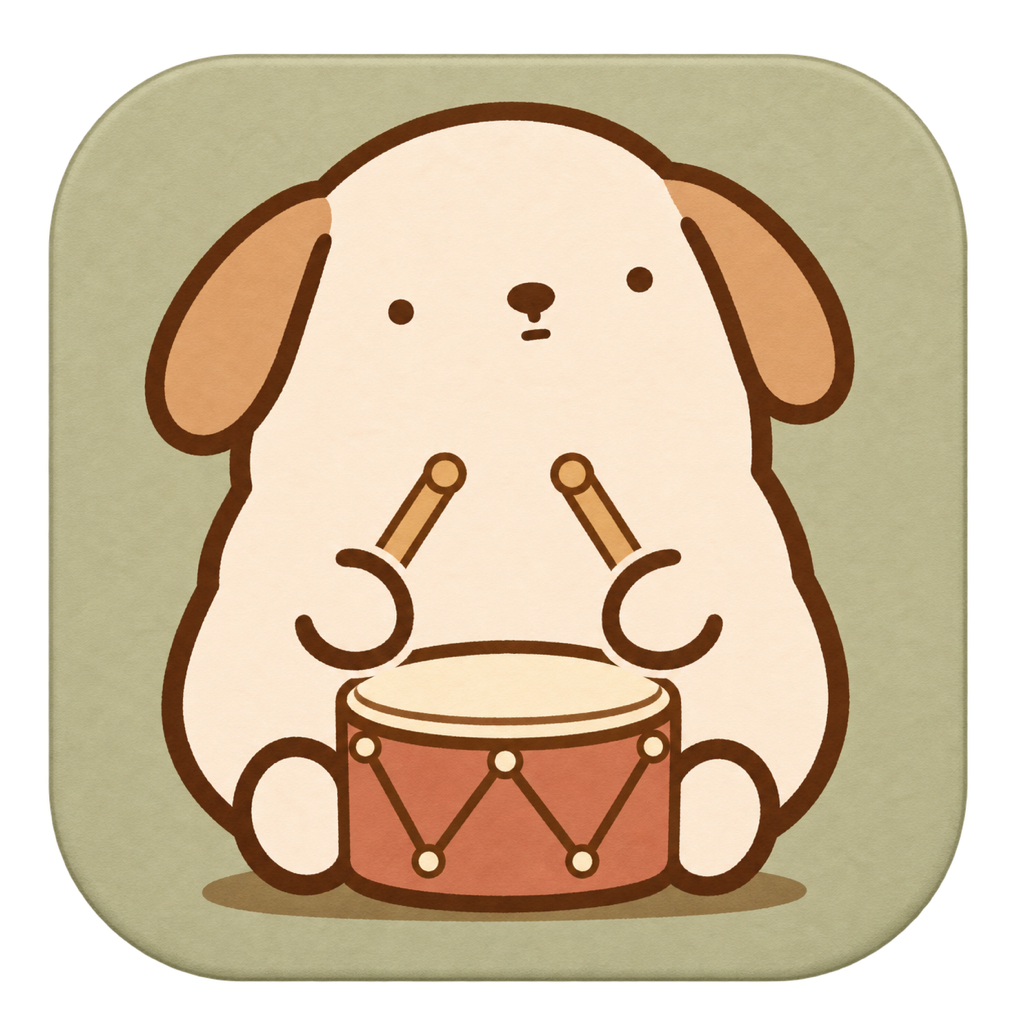
A LITTLE RHYTHM FOR YOUR MAC
Typing Pet
타닥타닥,
너와 함께 연주해.
You type.
They play along.
키보드를 두드리면 작은 동물 친구가 북을 치고 피아노를 연주해요. 익숙한 작업 시간에 귀여운 리듬을 더해 보세요.
A tiny animal plays the drums or piano as you type. A little company, and a little rhythm, for your everyday work.
macOS 12 이상 · 메뉴 막대 앱
macOS 12 or later · A menu bar app
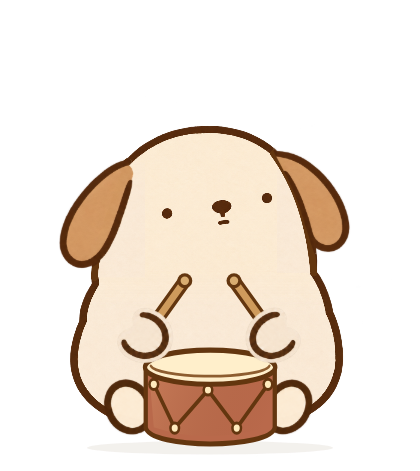
오늘은 누구와 함께할까요?
Who’s keeping you company?
강아지, 고양이, 토끼, 햄스터. 메뉴에서 내 친구를 골라 주세요.
Puppy, cat, rabbit, or hamster. Pick your companion from the menu.
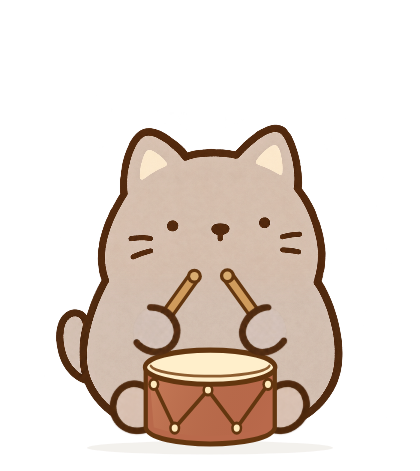
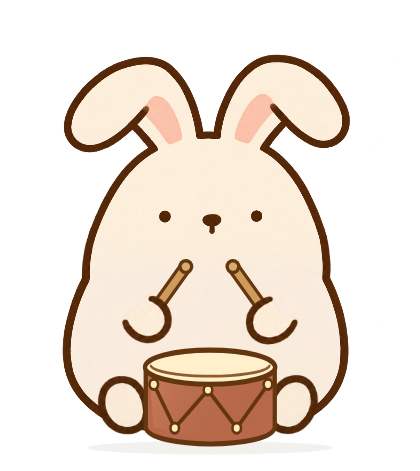
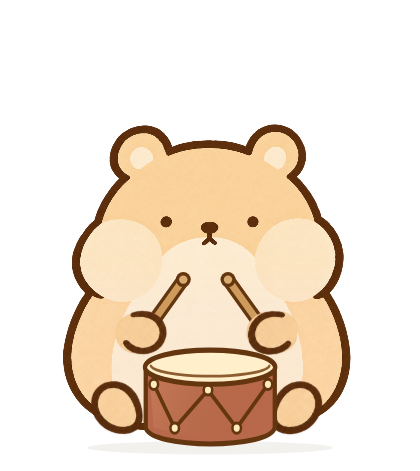
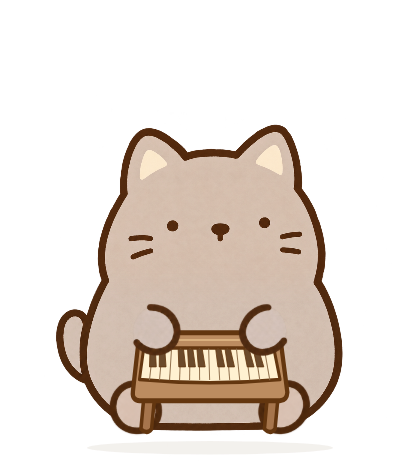
앱의 실제 캐릭터와 악기 모습입니다.
Actual pets and instruments from the app.
YOUR KEYS. THEIR LITTLE CONCERT.
북으로 톡톡.
피아노로 또롱.
A little drumbeat.
A little melody.
왼쪽·오른쪽 키에 맞춰 두 손이 움직이고, 빠르게 타이핑하면 더 신나게 연주해요. 북과 피아노 중 오늘의 기분에 맞는 악기를 선택하세요.
Their paws follow the left and right sides of your keyboard. Faster typing brings a livelier performance. Choose the drums or piano to match your mood.
처음에는 소리가 꺼져 있어요. 메뉴의 Sound에서 음량을 올리면 연주 소리도 함께 즐길 수 있습니다.
Sound starts off. Turn up the Sound slider in the menu when you want to hear the music, too.
SMALL COMPANY. SPACE TO FOCUS.
귀여움은 곁에.
하던 일은 그대로.
Keep the company.
Keep your flow.
평소에는 동물 위로 클릭과 스크롤이 그대로 통과해요. 자리를 옮길 때만 Move Pet을 켜고, 원하는 곳에 놓은 뒤 Done을 누르세요.
Clicks and scrolling pass straight through your pet during normal use. Choose Move Pet only when you want to place it somewhere new, then select Done.
- 메뉴 막대의 북 아이콘으로 간편하게 설정Quick controls in the menu bar’s drum icon
- 작업 공간에 맞춰 크기와 위치 조절Adjust the size and position for your workspace
- 동물·악기·음량 설정은 Mac에 저장Pet, instrument, and volume settings stay on your Mac

모든 설정은 이 아이콘에서
It all starts with this icon
- Pet / Instrument
- 동물과 악기 선택Pick your pet and instrument
- Size / Move Pet
- 크기와 위치 조절Find the right size and spot
- Sound
- 음량 조절 · 0이면 음소거Volume control · 0 is muted
앱 메뉴는 영어로 표시됩니다.
The app menu is in English.
키를 느끼지만,
쓴 글을 모으지는 않아요.
A rhythm to follow.
Not a record of your words.
다른 앱에서 타이핑할 때 반응하려면 macOS 입력 모니터링 권한이 필요해요. 키의 눌림과 떼기를 기기 안에서 처리하며, 입력한 문장을 기록하거나 개발자에게 전송하지 않습니다.
Typing Pet needs macOS Input Monitoring permission to react while you type in other apps. Key presses and releases are handled on your device; the app does not record your typed text or send it to the developer.
첫 연주를 위한 작은 안내.
A little help for your first concert.
권한 설정부터 소리와 위치 조절까지, 고객지원에서 차근차근 확인하세요.
Find help with permissions, sound, and placing your pet just where you want it.
Typing Pet 고객지원Typing Pet support